

1. Copy the Claude Code goal
You will paste this into Claude Code in the next step.
/goal Read https://github.com/topviewai/plugins/blob/main/docs/claude.md to install TopviewAI, complete OAuth, and set up a new task for me.
Plus plan and above only.Benefits are auto-granted after authorization. Wan 3 only—Wan 3 Prime is not supported. 720p/480p only. GPT Image 2.5 is limited to 1K + Medium.
Create images, videos, and campaigns inside ChatGPT. GPT-6 Astra plans the work. Topview generates the creative and opens it on Canvas.
You will paste this into Claude Code in the next step.
/goal Read https://github.com/topviewai/plugins/blob/main/docs/claude.md to install TopviewAI, complete OAuth, and set up a new task for me.
Paste the goal in Claude Code and let it install Topview.
After installation, complete authorization in the sign-in link sent by Claude Code, then start using Topview.
Batch Ecommerce Ads
Generate a matching set of ecommerce ads from product images.
Viral Video Remakes
Remake a viral video with a new hook, then finish it on Canvas.
Short Dramas
Split an idea into scenes and generate the first episode.
Amazon viral video analysis
Read winning Amazon videos, then generate a short ad from the same structure.
TikTok UGC creator product video
Make a TikTok UGC creator clip that sells the product.
Competitor analysis
Compare a competitor ad and generate a reply on Canvas.
Blender import to Topview for rendering
Maya import to Topview for rendering
Cinema 4D import to Topview for rendering
Turn a video into a depth map
Convert a video into a depth map for the next shot.
GPT-6 Blender white model
GPT-6 builds a 3D white-model video in Blender, then the Topview plugin renders it with Seedance 2.5.
Indoor white-model render
GPT-6 builds an indoor white-model video in Blender, then the Topview plugin renders it with Seedance 2.5.
Product retouch
Retouch a product photo and keep the file on Canvas.
Image editing
Edit the image in chat and return a file on Canvas.
Product render
Generate a product render and keep the file on Canvas.
Your Agent can plan the work. Topview gives it a Canvas to generate, edit, and finish images, videos, and 3D scenes without leaving the conversation.
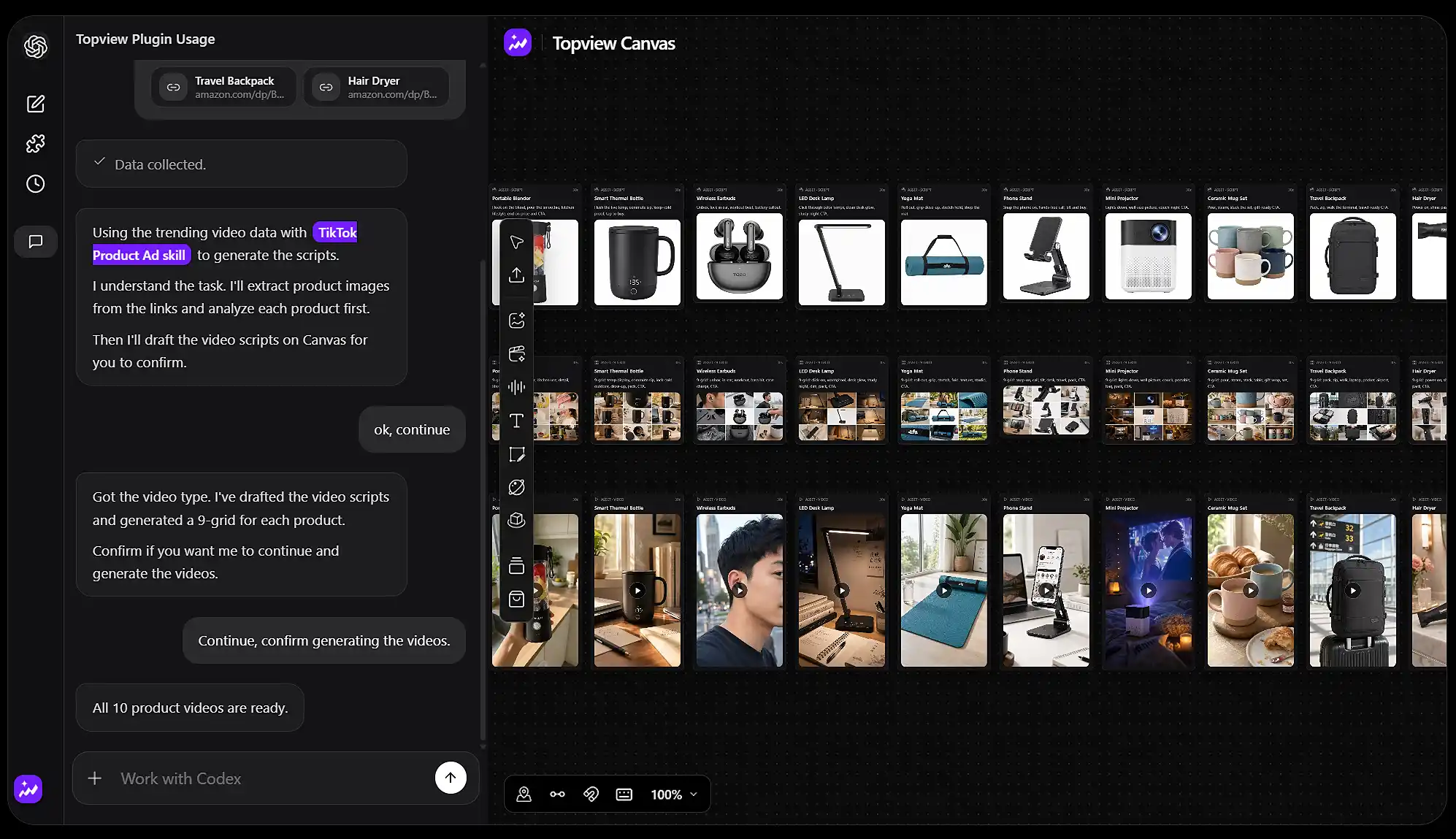
Ask the Agent to create, edit, and process images, video, and audio on Topview Canvas. It can place assets, run tools, and keep the full job in one workspace instead of handing you a pile of files.
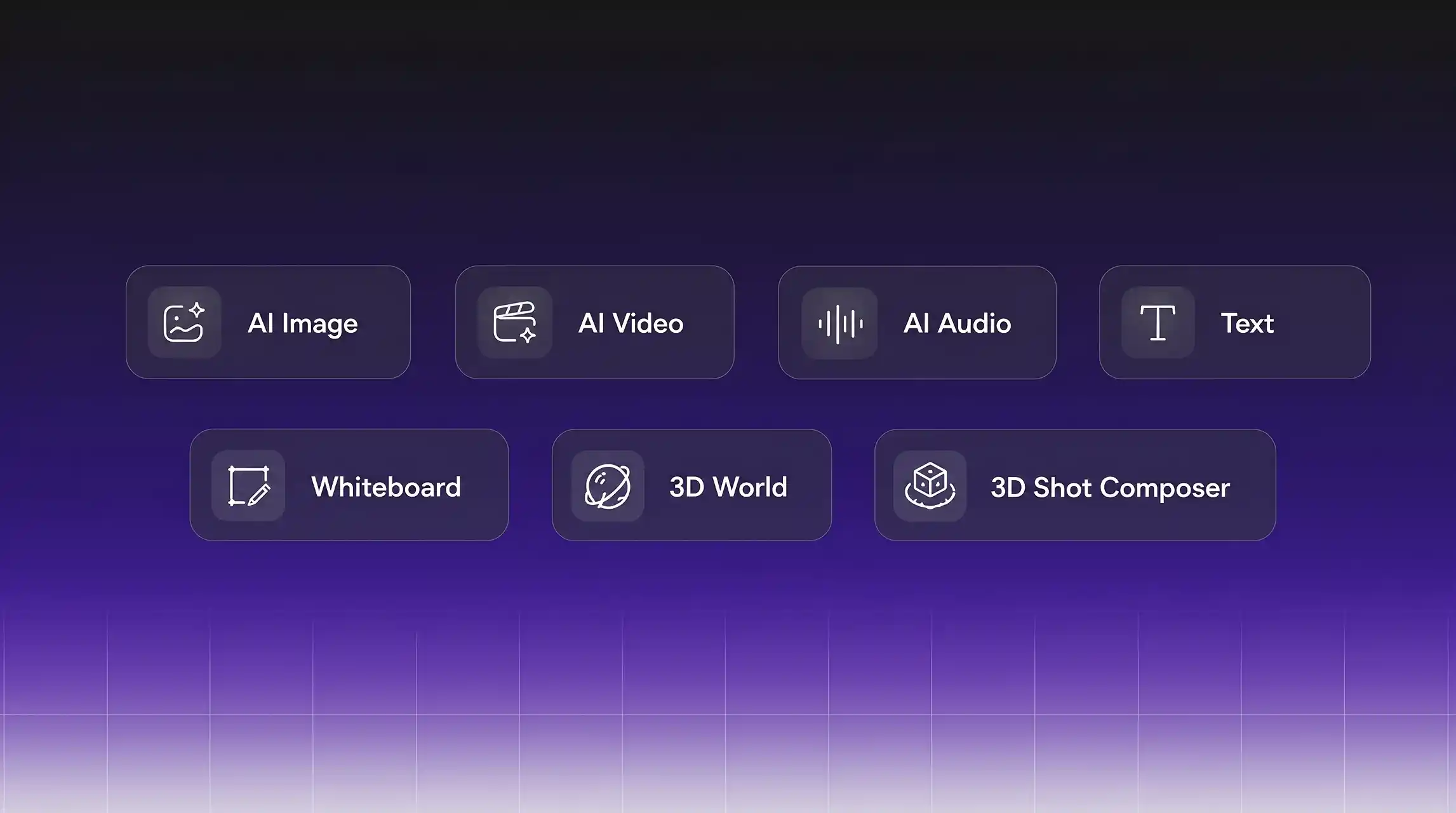
Use node links, snap-to-align, a minimap, and groups to keep a complex board readable. Asset cards stay in sync when you update a source. Add Draw to Edit, product cards, color-palette extract, video extend, crop, and prompt reverse without leaving Canvas.
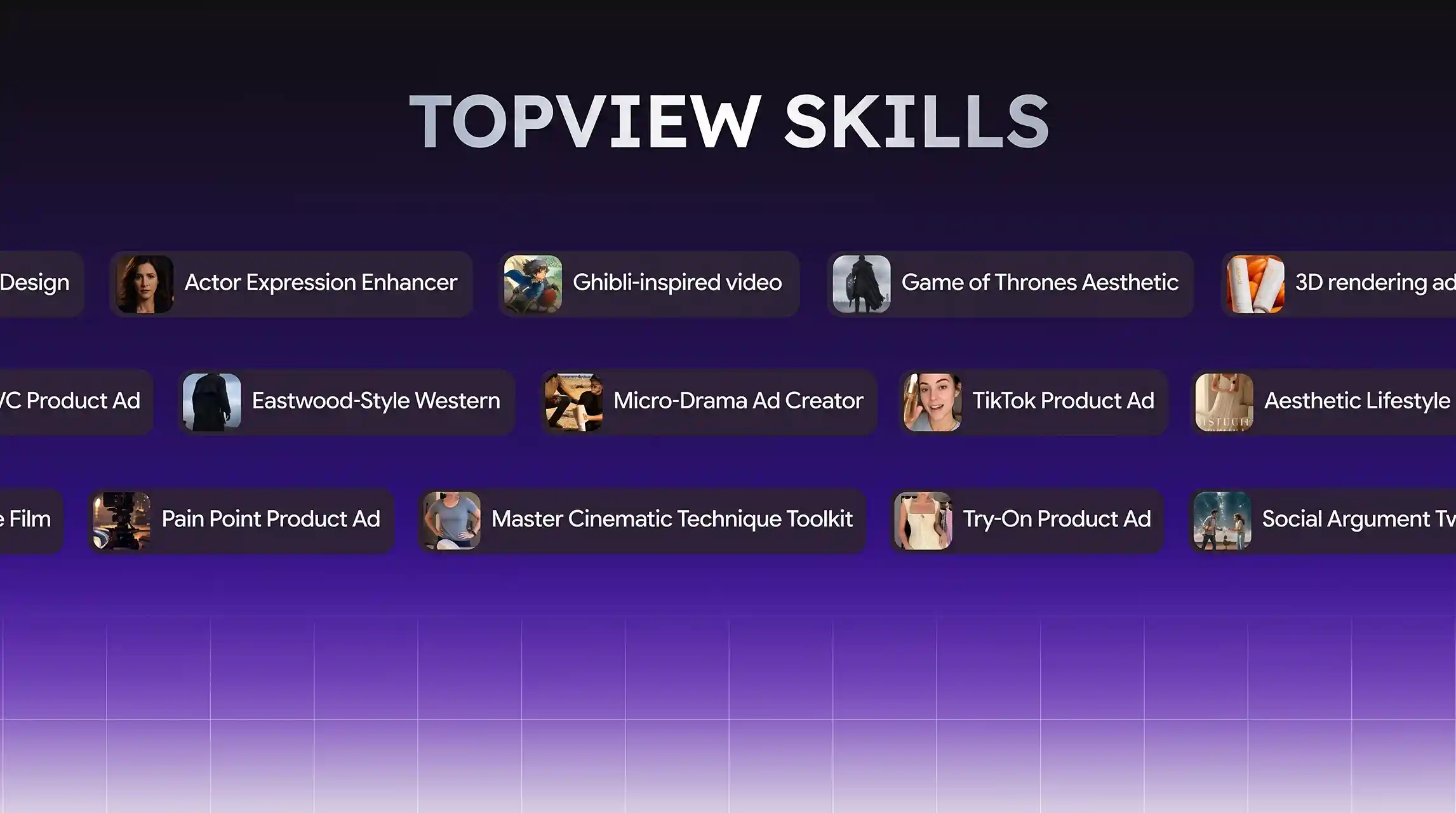
Call ready-made video skills from the same Agent flow — TikTok Product Ad, Micro-Drama Ad Creator, Try-On Product Ad, Pain Point Product Ad, plus looks like Ghibli-inspired video and cinematic toolkits. Pick a skill, attach your product, and generate without leaving the conversation.
Topview Skill connects your agent to the most capable video and image generation models available—no config files, no API keys to juggle.





Topview works with Codex, Cursor, Claude Code, Blender, Maya, Cinema 4D, and 3ds Max. Explore the setup and creative workflows for your platform.
/goal Read https://github.com/topviewai/plugins/blob/main/docs/codex.md to install TopviewAI, complete OAuth, and set up a new task for me. After installation and authorization succeed, introduce to me what things the Topview plugin can do.
Install the Topview plugin first so agent can call the relevant capabilities.
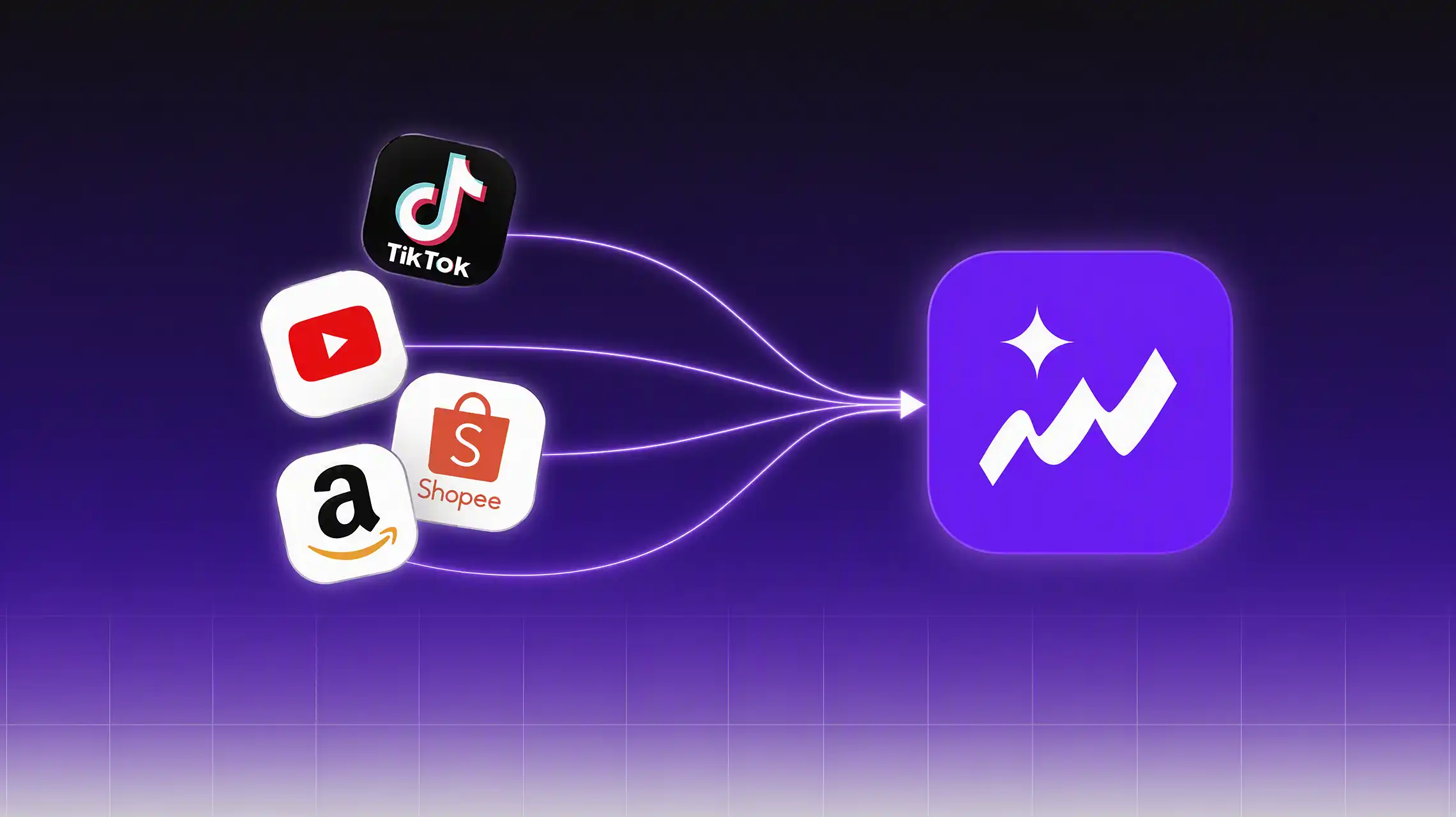
Generate more than one kind of product video, and query ecommerce data from TikTok, YouTube, Amazon, and other platforms so scripts follow what is actually selling and trending.

Send prompts, images, product photos, portraits, or audio-related requests directly to your agent.
Your agent will automatically call the right Topview capability to generate video, image, avatar, or audio results for you.